Nurturing growth and engagement at St. Mary’s College of Maryland.
The St. Mary’s Office of Human Resources is committed to providing efficient and effective programs for all college employees. We hope to continue to progress and strengthen our workforce by striving to contribute to a safe, and positive work environment.
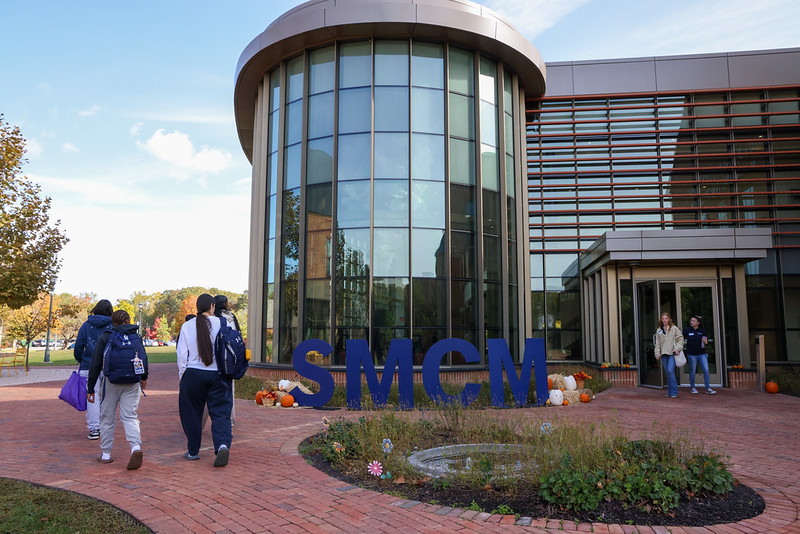
Find Your Place at SMCM
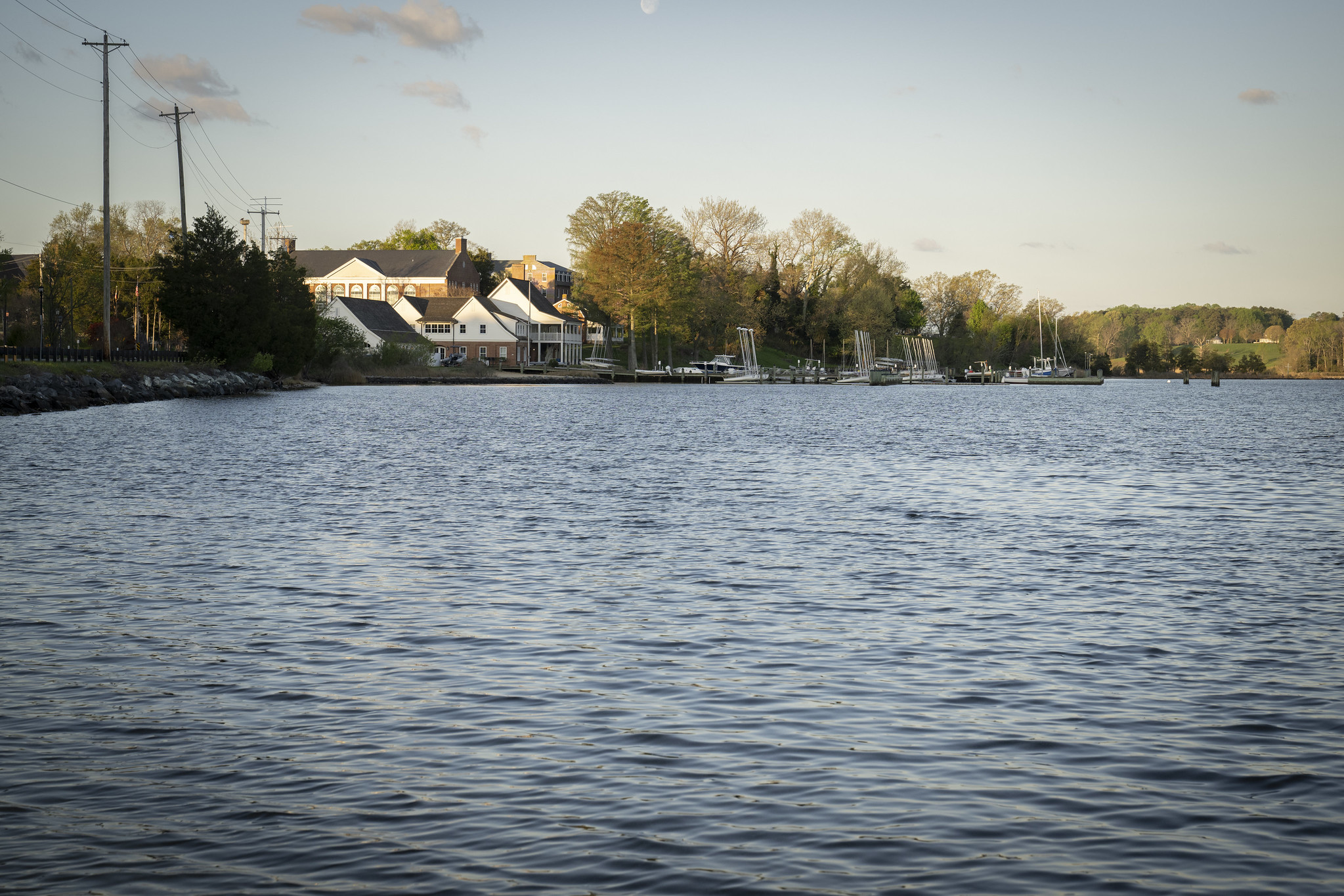
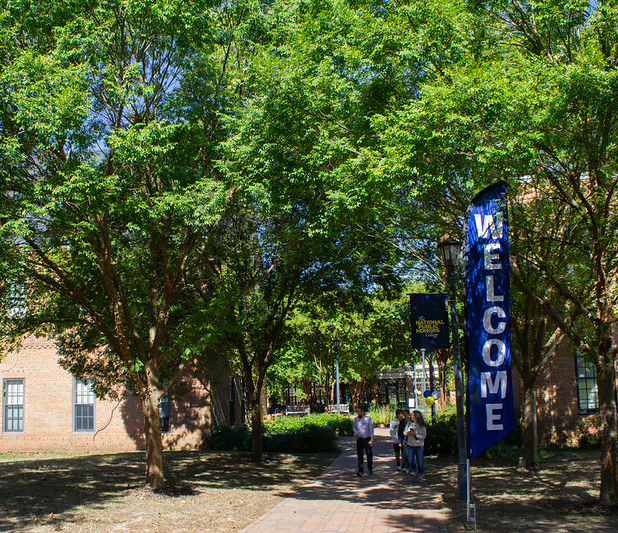
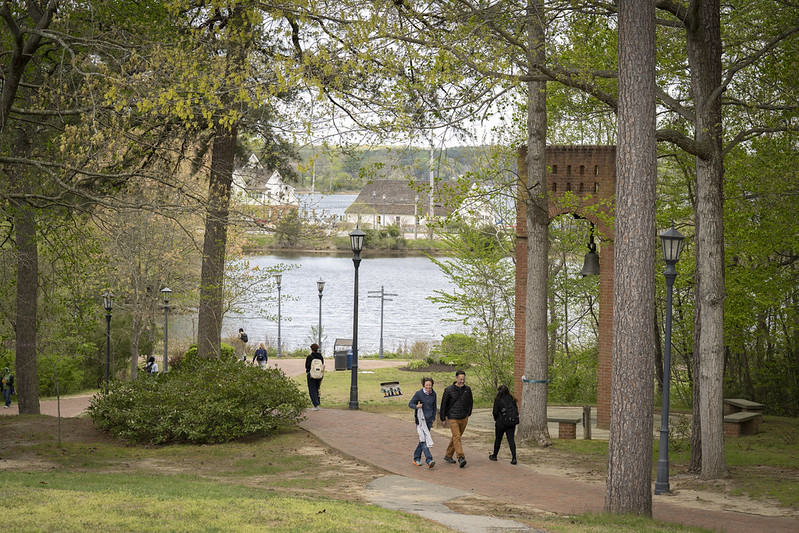
Our beautiful residential campus on the banks of the St. Mary’s River inspires our work, our play and our commitment to the environment. Become part of the Seahawk family! Explore job opportunities at St. Mary’s College of Maryland today.
St. Mary’s College of Maryland is committed to equal opportunity/affirmative action in its employment practices, a drug and alcohol free workplace and the provisions of the Americans with Disabilities Act (ADA). If you should have questions about any of St. Mary’s employment practices, please contact the Office of Human Resources.
Current Employees
Training and Professional Development
The following training and professional development services are offered during certain times of the semester: